top of page
Part of
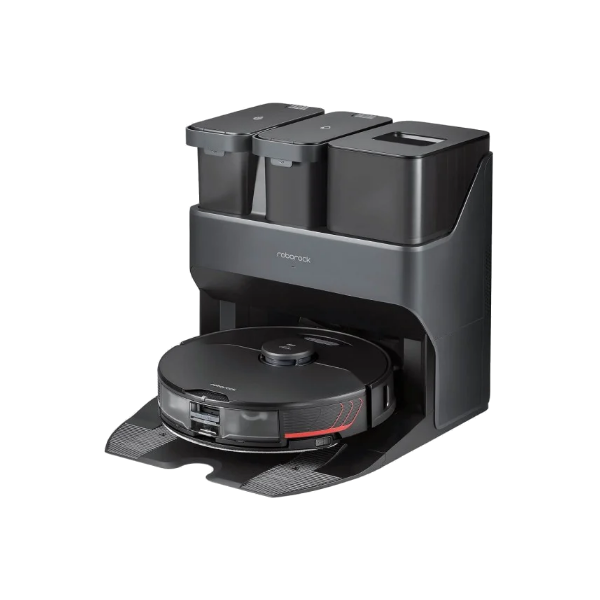
S7 MaxV

Enable child lock

Original source

Resource text

The following applies to Roborock S7, S7MaxV, S7Max Ultra, S6MaxV, S8, S8+ and S8 Pro Ultra only.

There are two ways to turn on child lock.

In app: On the main screen, tap the three dots on the upper right corner, then tap Robot Settings, and then you can switch on child lock there.

Buttons: Press and hold the Child lock button until you hear the "child lock activated" voice alert. 

Once the child lock is enabled, the device will not respond if any button is pressed until you disable the lock.

©️ Всички права запазени RAR 

RAR вече е част от Smartrobotix Group лого

Обратна връзка
Правила и условия
Абонаменти
За фирми
Околна среда
Blackbox 2
Blackbox 3
Blackbox MINI

Събития на живо
Търгувайте
Създатели
Събитие Ecovacs 2023
Препоръчай на приятел
Планове за защита

Мина известно време! Защо да не кажем "Здравей" на стария ни сайт?

Payment methods accepted by RAR: Pay later services, digital wallets, international payment providers, global payment providers, RAR Pay, and more.
  • facebook
  • instagram
  • pinterest

©️ Всички права запазени RAR Group 2019-2026

©️ Всички права запазени RAR 

Rent Anything

bottom of page