
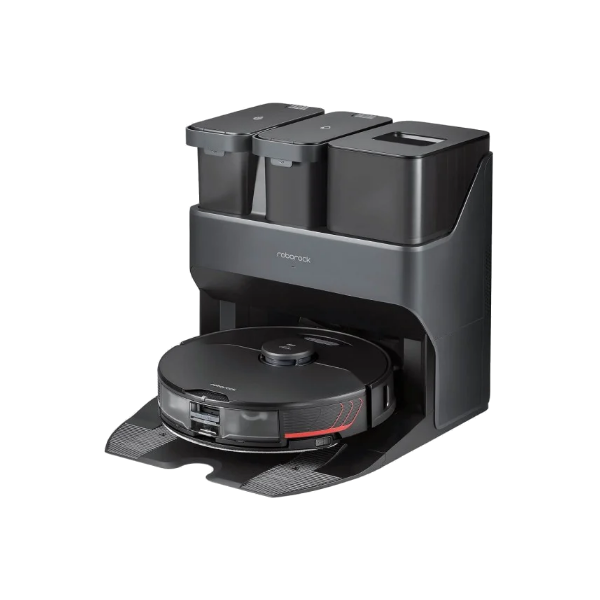
Reset Roborock to factory defaults
Resource text
Step 1. Hold the home icon button for 3-5 seconds. Step 2. Use a pin to press the reset button next to wifi LED just once, and power button, home button and spot cleaning button's light will be out. When you are doing this, please make sure home button is still under your finger's holding without moving. Step 3. Keep holding home button for 5 seconds after you press reset button until power button blinks again and you hear the tone "Restoring the initial version. It will take about five minutes. Please wait patient", and then you could remove the finger.
Notice: 1. Factory default restore will disconnect RoboVac from wifi. Please re-add it after factory default restore. 2. Factory default restore will also make RoboVac's firmware version come back to original one when it was made in factory. After factory default restore, you could go to RoboVac's setting--general setting--check for updates to upgrade its firmware to latest one. 3. Factory default restore will delete all your setting on device like scheduled cleaning. 4. Factory default restore will delete every single cleaning's log including every cleaning's duration, size and map. But the total duration, total times of cleaning and total size will be still kept there.
Related FAQ:
How do I factory reset my Roborock S5?