top of page
Part of
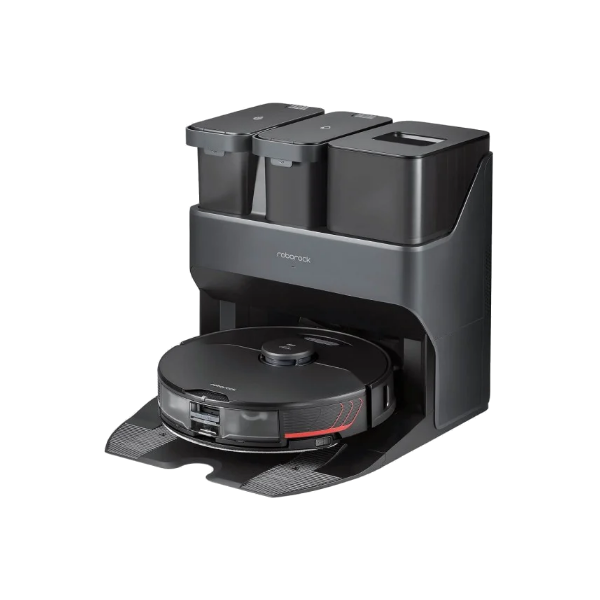
S7 MaxV

Locate or bypass the app QR code

Original source

Resource text

1. Only the following models support QR code.

Roborock Q7 Max Series

Roborock Q7 Series

Roborock Q5 Series

Roborock S8 Series

Roborock Q Revo

Roborock Q5 Pro Series

Roborock Q8 Max Series

Other models don't support QR code. 

2. I cannot find the QR code.

Some products do not have QR code. To add one of these devices, go to the Roborock app homepage and tap "Search for Device".  Please tap on "No QR code found" and proceed with the next step. See picture below:

3. If I'm using the models that supports QR code, where's the QR code?

The QR code is located below the top cover or dustbin or on the top of the machine.

QRcode.png

QRcode_2.png

Scan_QRcode.jpg

mceclip0.png

©️ All Rights Reserved RAR Group 2026 

RAR Now Part of Smartrobotix Group logo

Start & Rent

Home
Rent

Accessories

Marketplace

Commercial

​Gift Card

​

RAR OS

RAR OS IV (Overview)

RAR OS III

Blackbox & R2 chip

Plans & Account
MyRAR

RAR One

RAR Pass

RAR All-In

​​

RAR For

Students

Businesses

Non-profits

Startups

Company

About

Environment

Newsroom

Contact

Responsibility

​

Brands

You

Market

Casa

Pludo

Payment methods accepted by RAR: Pay later services, digital wallets, international payment providers, global payment providers, RAR Pay, and more.
  • Youtube
  • TikTok
  • facebook
  • instagram
  • LinkedIn
  • X
  • Threads

©️® All Rights Reserved RAR Group 2019-2026

GDPR         Cookies        Partner Agreement        Accessibility        Terms

Rent Anything

bottom of page