top of page
Part of
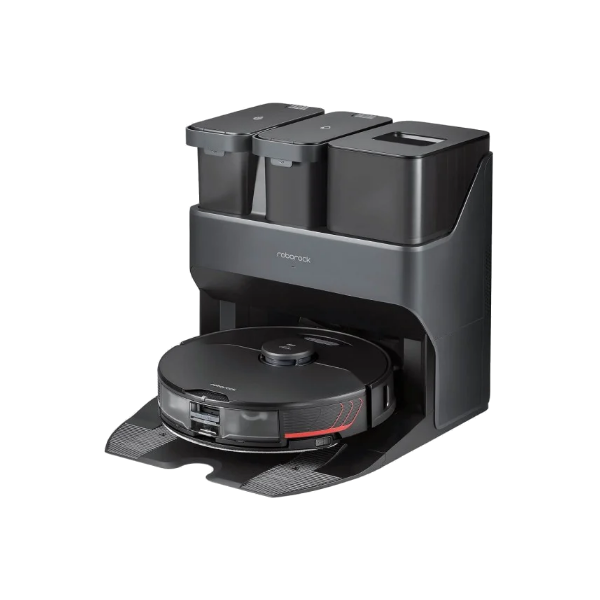
S7 MaxV

Enable child lock

Original source

Resource text

The following applies to Roborock S7, S7MaxV, S7Max Ultra, S6MaxV, S8, S8+ and S8 Pro Ultra only.

There are two ways to turn on child lock.

In app: On the main screen, tap the three dots on the upper right corner, then tap Robot Settings, and then you can switch on child lock there.

Buttons: Press and hold the Child lock button until you hear the "child lock activated" voice alert. 

Once the child lock is enabled, the device will not respond if any button is pressed until you disable the lock.

©️ All Rights Reserved RAR Group 2026 

RAR Now Part of Smartrobotix Group logo

Start & Rent

Home
Rent

Accessories

Marketplace

Commercial

​Gift Card

​

RAR OS

RAR OS IV (Overview)

RAR OS III

Blackbox & R2 chip

Plans & Account
MyRAR

RAR One

RAR Pass

RAR All-In

​​

RAR For

Students

Businesses

Non-profits

Startups

Company

About

Environment

Newsroom

Contact

Responsibility

​

Brands

You

Market

Casa

Pludo

Payment methods accepted by RAR: Pay later services, digital wallets, international payment providers, global payment providers, RAR Pay, and more.
  • Youtube
  • TikTok
  • facebook
  • instagram
  • LinkedIn
  • X
  • Threads

©️® All Rights Reserved RAR Group 2019-2026

GDPR         Cookies        Partner Agreement        Accessibility        Terms

Rent Anything

bottom of page